


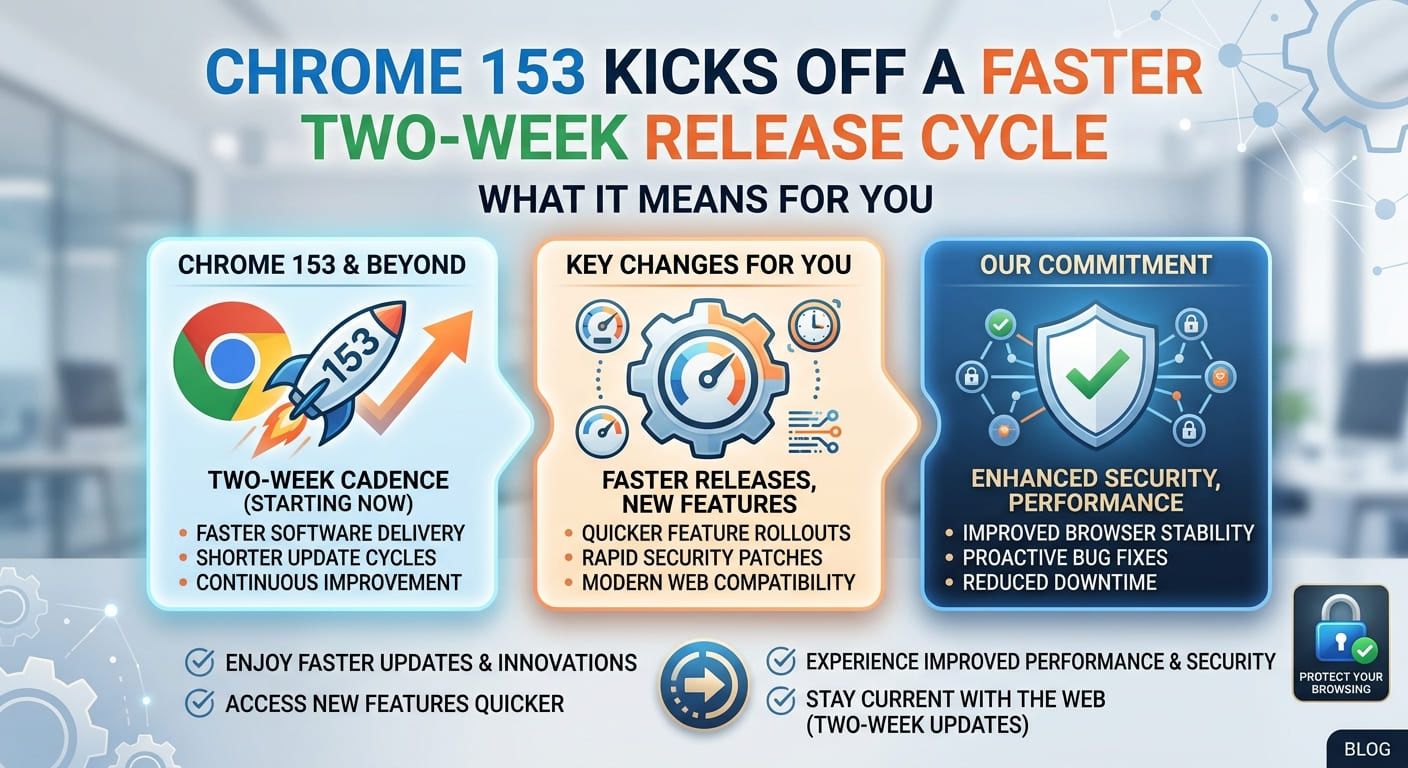
Google just made your browser update faster. Starting this Tuesday with the launch of Chrome 153, Google moved to a two-week release cycle across desktop, iOS, and Android. That is double the pace of the old four-week release schedule.
This is a change Google promised earlier in the year, and it has now delivered. But what does a faster Chrome release schedule actually mean for you? In short: quicker security fixes and quicker new features. Let’s break down how it works and why the timing matters.
What Actually Changed
The old rhythm was simple. Chrome shipped a major update roughly once a month. Now that gap has shrunk to two weeks.
Think of it like restocking a shelf. Before, the store restocked once every four weeks. Now it restocks every two. You do not need to understand how the delivery trucks run to notice one thing: the shelves stay fresh more often.
Chrome 153 is the first version to arrive on this schedule. It landed on all three main platforms at once—desktop, iOS, and Android—so no group of users has to wait longer than another.
For most people, the update happens quietly in the background. You do not need to press anything. Chrome downloads the new version and applies it the next time you close and reopen the browser.
Want to check which version you have right now? Open Chrome, click the three dots in the top corner, then go to Help and select “About Google Chrome.” It will show your version and update automatically if needed.
Why Google Spent Things Up
The main reason is security. Google says its whole approach to Chrome security updates is shifting to match the AI era.
Here is the plain version. More bugs are being found than ever before. Automated AI tools now scan code and flag weaknesses at high speed. On top of that, community bug reports keep pouring in from researchers and everyday users. All of this means more patches to ship, more often.
A monthly schedule made those patches wait. A two-week schedule gets them out the door faster. That is the core of Google’s AI era security strategy: match the speed of the fixes to the speed of the threats.
And the threats are moving quickly too. Some of them are powered by the same kind of automated tools that help find bugs in the first place. When both sides move fast, the slow side loses.
The N-Day Patch Gap, Explained Simply
There is one term worth understanding here: the N-day patch gap. It sounds technical, but the idea is easy.
A security vulnerability is a flaw that attackers can use to break in. The N-day patch gap is the time between when that flaw becomes public knowledge and when the fix actually reaches you.
Picture a broken lock on your front door. The N-day patch gap is the stretch of time between you learning the lock is broken and a locksmith arriving to replace it. The longer that gap, the more exposed you are.
Here is the catch. Once a fix lands in Chrome’s public codebase, attackers can study it. They can see exactly what was broken and try to exploit anyone who has not updated yet. So the faster that fix travels from the codebase to end users, the safer everyone is.
A shorter release schedule keeps that gap small. That is the whole point.
The practical takeaway for you: let Chrome update itself. Do not put off restarts for days. When Chrome says an update is ready, close and reopen it that same day.
Faster Updates Also Mean Faster Features
Security is the headline, but it is not the only benefit. A quicker browser release schedule also lets Chrome ship new features sooner.
This matters more than it used to. AI-assisted software development has made it easier and cheaper to build a browser from scratch. That has opened the door to a wave of browser competitors, each trying to take a slice of Chrome’s users.
Some names you may have heard: Brave, Dia, Opera Neon, Perplexity’s Comet, and DuckDuckGo’s own browser. Not every attempt sticks, though. OpenAI’s browser, ChatGPT Atlas, has already been shut down. But plenty of others are still pushing hard.
Google is also stacking more AI features into Chrome and then adjusting them quickly based on how people use them. That kind of rapid tinkering only works if you can ship updates often. A two-week release cycle gives Google room to test, tweak, and improve without a long wait between each version.
What this means for you: expect small, steady changes rather than big once-a-month drops. Keep an eye on new options in your settings menu after updates.
This Is Not Chrome’s First Speed-Up
Chrome has done this before. The move to faster releases fits a long pattern.
Back in 2021, Chrome switched from a six-week cycle down to a four-week release schedule. Now it has cut that in half again. The direction has been consistent for years: ship early, ship often, and get fixes to people faster.
That habit goes back more than a decade, to the early days of Chrome. The team built the browser around the idea that frequent, smaller updates beat rare, giant ones. Smaller updates are easier to test. They carry less risk. And they let problems get patched before they pile up.
So the jump to a two-week release cycle is not a surprise turn. It is the next logical step on a road Chrome has been walking for a long time.
Why the Whole Web Benefits, Not Just Chrome
Chrome is the most-used browser on the planet. That size gives it a certain pull. When Chrome changes how it works, the rest of the industry tends to follow.
That is already happening here. Mozilla, Microsoft, and Brave have started moving toward a faster, two-week schedule of their own. Chrome set the pace, and others are matching it.
Why does this help you even if you do not use Chrome? Because faster Google Chrome updates raise the baseline for everyone. When one major browser shortens its patch window, rivals feel pressure to do the same. The end result is a web where security fixes reach users faster across the board.
Think of it like one restaurant on a street raising its cleanliness standards. Soon the others have to keep up, and every diner benefits.
The practical point: whatever browser you use, check whether it updates automatically. If it does not, turn that setting on today.
What You Should Actually Do About This
You do not need to change much. But a few small habits will help you get the full benefit of the new schedule.
- Turn on automatic updates. In Chrome, this is on by default, but confirm it under “About Google Chrome.”
- Restart your browser regularly. Updates often finish only after you close and reopen Chrome.
- Check your version once a week. It takes ten seconds and tells you if you are behind.
- Do the same on every device. Chrome on your phone needs updating too, not just your laptop.
- Do not ignore update prompts. That prompt is often carrying a security fix, not just a feature.
None of these steps require any technical skill. You do not need to understand how a patch is built to install one, in the same way you do not need to understand plumbing to turn off a leaking tap. You just need to act when the tool tells you to.
Try it now: open Chrome, go to “About Google Chrome,” and confirm you are on the latest version. If not, let it update and restart.
A Fair Word on the Limits
Faster updates are a real improvement, but they are not a magic shield. This is worth stating plainly.
A two-week release cycle shrinks the N-day patch gap. It does not close it completely. There will still be a window between a flaw appearing and a fix landing. No release schedule can make that window disappear entirely.
A quicker schedule also does nothing if you never restart your browser. The fix has to actually reach your device to protect you. An update sitting undownloaded helps no one.
And frequent updates put more work on the teams behind Chrome. Shipping twice as often means testing twice as often. Google clearly believes the trade-off is worth it, but faster releases do add pressure to catch problems before they go out.
So treat the new schedule as a strong tool, not a guarantee. Your own habits still matter.
conclusion
Chrome’s shift to a two-week release cycle is a practical response to a faster-moving world. More bugs are being found by automated AI tools and community bug reports. Threats are moving quickly, some driven by the same technology. A tighter Chrome release schedule is Google’s answer: get security fixes to people before attackers can act on them.
The change starts with Chrome 153 on desktop, iOS, and Android, and it doubles the pace of the old four-week release schedule. You get quicker Chrome security updates, faster new features, and a smaller N-day patch gap. Because Chrome is so widely used, other browsers are following its lead, which lifts safety across the whole web.
Here is what actually matters for you. The new schedule only helps if the updates reach your device. So do the simple thing that makes all of this work.
Restart Chrome today, confirm you are on the latest version, and turn on automatic updates on every device you own.