


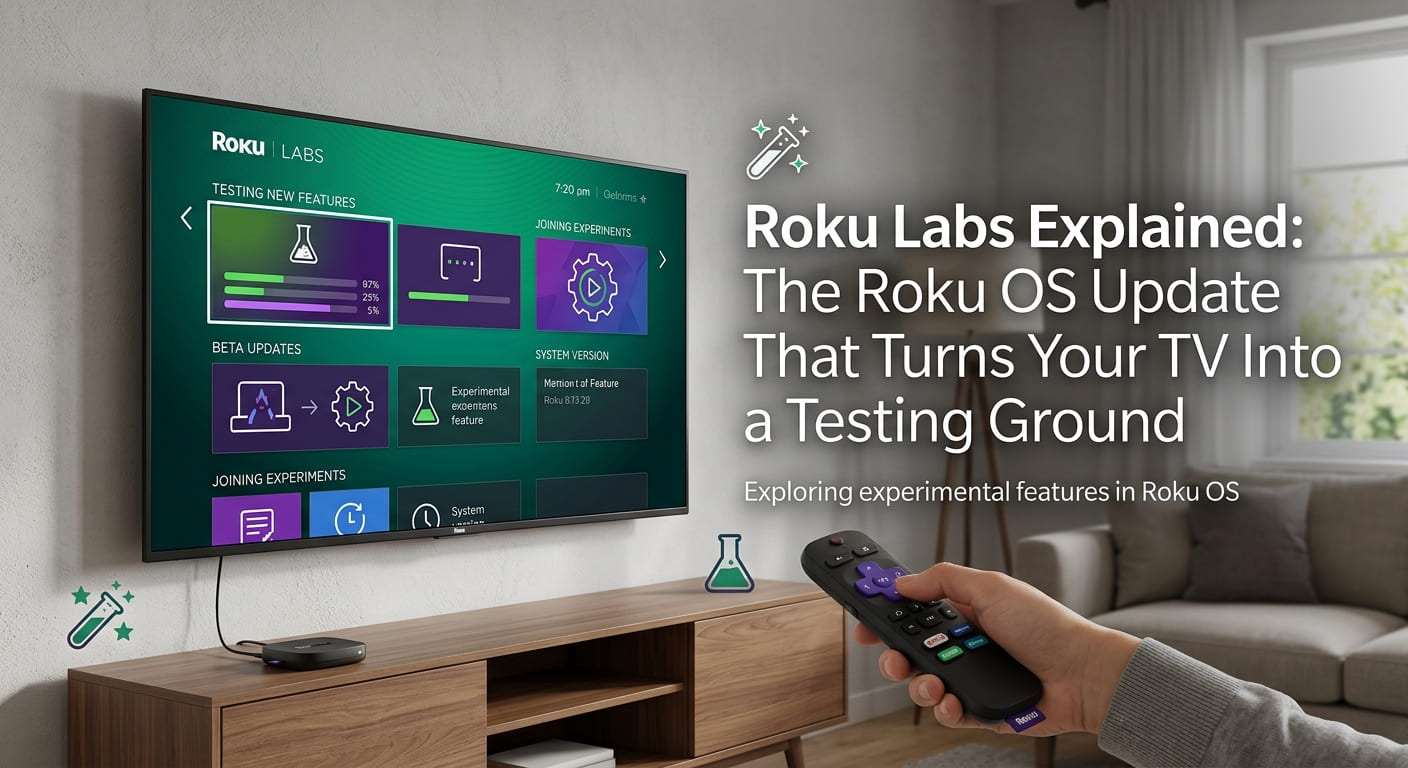
Roku is opening up your TV to its own experiments. On Thursday, the connected TV device maker rolled out a new Roku OS update that lets you try apps still in development.
The feature is called Roku Labs. If you’re in the U.S., you can now access early, first-party apps straight from your TV screen.
That’s the headline. But this Roku TV update packs in more than one new toy. Below, we’ll walk through what Roku Labs is, the apps you’ll see first, and the bigger plan behind it all. We’ll keep the language plain so you can decide what to try tonight.
Roku Labs, in Plain Terms
Start with the simple version. Roku Labs is a place to test apps Roku is still building.
Think of it like a sample table at a grocery store. The company puts out something new, you try it, and Roku learns whether people like it. You do not need any technical setup to join in, in the same way you do not need to read a menu’s kitchen notes to taste a free sample.
These are Roku experimental apps, which means they aren’t finished. They may change, improve, or disappear. That’s the whole point of a testing ground.
You’ll find them through a new tile on the Roku Home Screen. A tile is just one of those clickable boxes you already navigate on your TV.
Try it now: open your Roku Home Screen and look for the new Roku Labs tile. If it’s there, you’re already in.
The First Roku Experimental Apps
Let’s look at what’s actually inside at launch. Roku is starting with three.
Here’s what you’ll see first:
- A weather app for tracking conditions and forecasts.
- A stocks app for keeping an eye on the market.
- A game called Roku Dash.
The first two are practical. They turn your TV into a quick-glance dashboard for the stuff you check on your phone anyway.
Roku Dash is the fun one. You fly a UFO across “Roku City,” the company’s default screensaver of a neon purple and pink city skyline. If you’ve ever left your Roku idle, you’ve seen that skyline, dotted with pop culture references and ads.
Keep this straight: these are Roku first-party apps, meaning Roku made them itself. That detail matters more than it sounds, and we’ll get to why next.
Why Roku Is Building Its Own Apps
Here’s the strategy behind the playfulness. Roku wants to be the center of your connected home, not just the pipe that streams other people’s shows.
First-party apps help with that. When Roku builds its own weather, stocks, and game apps, it keeps you on its platform longer. And apps the company owns can, over time, become monetizable, meaning Roku can earn money from them directly.
Consider the difference in plain terms:
- Instead of: only passing you along to Netflix or Disney and earning little.
- Try: building apps you open on Roku itself, where Roku controls the experience.
The second approach works better for Roku because it turns your TV into a product it fully owns. Roku Dash flying past ads in Roku City is a small preview of that idea.
One thing to remember: every app Roku builds itself is a step toward keeping you inside the Roku streaming platform.
The Bigger Fight: Roku vs. Google and Amazon
Now the context that explains the urgency. Roku is not competing alone.
Google and Amazon both make connected TV products, and both are pushing hard into AI. Google’s TVs lean on its assistant, Gemini. Amazon leans on its assistant, Alexa+.
An AI assistant is simply a helper you talk to that answers questions and controls your devices. Google and Amazon have poured resources into making theirs more capable, which puts pressure on Roku to keep up.
That pressure explains a lot of this update. Roku Labs, first-party apps, and a smarter voice assistant are all moves to stay relevant against two much larger rivals.
Do this to see it clearly: notice that every new feature in this update either keeps you on Roku longer or makes it feel smarter. That’s Roku answering Google and Amazon.
A Smarter Roku Voice Assistant
Speaking of smarter, Roku’s own voice assistant got a small upgrade too.
It can now answer weather-related questions. Ask about the forecast, and it responds, instead of leaving you to open an app.
This is a modest step, not a giant leap. It’s fair to say Roku’s assistant still trails the deeper AI features of Gemini and Alexa+. But paired with the new weather app in Roku Labs, it shows where Roku is aiming.
Try it now: press your Roku voice button and ask about today’s weather. See how the answer compares to what you’d expect from other assistants.
The Personalized Home Screen Goes Global
Roku is also taking one of its better features to new places. Its newer, personalized Home Screen is expanding to Mexico and Brazil.
A personalized home screen simply rearranges what you see based on your habits and location. Instead of a generic layout, you get suggestions closer to what you actually watch.
In these new markets, that means two things:
- Localized content, so the shows and services shown fit the region.
- Tailored suggestions, so recommendations match local viewers.
This is how Roku competes on experience, not just price. A TV that feels made for your country is harder to walk away from.
Keep this straight: if you’re in Mexico or Brazil, your Roku Home Screen should start feeling more relevant, not more cluttered.
New Streaming Bundles That Could Save You Money
Here’s the part that touches your wallet directly. Roku is launching bundled subscriptions in the U.S. and Mexico.
A bundle lets you mix and match streaming plans from several smaller services under one package. The services named include AMC+, Fox ONE, Hallmark+, Howdy, and Starz.
The appeal is cost. Bundles are usually cheaper than buying each plan à la carte, which just means paying for each service separately at full price.
Consider the math in plain terms:
- Instead of: paying full price for Starz, AMC+, and Hallmark+ as three separate bills.
- Try: combining the ones you want into a single, lower-cost bundle.
The second option works better if you already pay for two or more of these. You get the same shows for less, on one bill.
This is not a guarantee it’s cheaper for everyone. If you only want one service, a bundle may not help. Add up what you already pay before you switch.
Do this now: list the smaller streaming services you currently pay for. If two or more appear on Roku’s bundle list, a bundle is worth pricing out.
Opening Up Roku LT OS
The last piece is more technical, but it matters for the future. Roku is open-sourcing the software that powers its remote, called Roku LT OS.
Open-sourcing means Roku is sharing that software publicly so outside people can use and build on it. You do not need to know how code works to grasp the effect, in the same way you do not need to understand a recipe to enjoy the dish someone else cooks from it.
The practical result is simple. Outside developers and makers can now build their own apps and devices using Roku’s remote software. Over time, that could mean more gadgets and tools that work with Roku, created by people outside the company.
Keep this straight: open-sourcing Roku LT OS is a bet that outsiders will help Roku grow faster than it could alone.
How the Pieces Fit Together
Step back, and this Roku OS update tells one clear story. Every change points in the same direction.
Here’s the pattern, laid out simply:
- Roku Labs and first-party apps keep you on Roku’s platform.
- A smarter voice assistant answers Google and Amazon.
- The personalized Home Screen wins loyalty in Mexico and Brazil.
- Streaming bundles give you a reason to pay through Roku.
- Open-sourcing Roku LT OS invites outsiders to build alongside Roku.
None of these is huge on its own. Together, they show a connected TV device maker trying to be more than a middleman between you and your shows.
The takeaway for you: watch which Roku experimental apps stick around. The ones that survive Roku Labs hint at where your TV is headed next.
Why This Update Matters
Here’s the short version. Roku is turning your TV into a place to test ideas, not just play other people’s content.
The pieces line up neatly. Roku Labs lets you try early apps like weather, stocks, and the Roku Dash game. The personalized Home Screen reaches Mexico and Brazil. New bundles can cut your streaming bill. And open-sourcing Roku LT OS opens the door to outside builders.
But keep the caveats in view. The Labs apps are unfinished and may change or vanish. The voice assistant still trails Gemini and Alexa+. And bundles only save money if you already pay for the right services. These are real steps forward, not a finished transformation.
The honest read is this. Roku is playing catch-up with bigger, better-funded rivals, and this update is how it’s fighting back. Whether it works depends on which experiments you actually keep using.
Pick one now: open Roku Labs and try a single app tonight, whether it’s the weather tracker or a quick round of Roku Dash. That one action tells you more than any announcement can.
Frequently Asked Questions
1. What is Roku Labs?
Roku Labs is a new feature in the latest Roku OS update that lets U.S. customers try experimental, still-in-development apps made by Roku. You access them through a new tile on the Roku Home Screen. Because the apps are unfinished, they may change, improve, or disappear over time.
2. Which apps are available in Roku Labs first?
At launch, you’ll find three: a weather app, a stocks app, and a game called Roku Dash. In Roku Dash, you fly a UFO across “Roku City,” the neon purple and pink skyline screensaver filled with pop culture references and ads.
3. How is Roku competing with Google and Amazon?
Roku faces AI-powered connected TV products from Google and Amazon, which use their assistants Gemini and Alexa+. Roku is responding with first-party apps, a smarter voice assistant that now answers weather questions, a personalized Home Screen, and streaming bundles, all aimed at keeping you on its platform.
4. What are the new Roku streaming bundles?
Roku is offering bundled subscriptions in the U.S. and Mexico that let you mix and match plans from smaller services like AMC+, Fox ONE, Hallmark+, Howdy, and Starz. Bundles are usually cheaper than buying each service separately, so they help most if you already pay for two or more.
5. What does open-sourcing Roku LT OS mean for me?
Roku LT OS is the software that powers its remote. By open-sourcing it, Roku is sharing that software publicly so outside developers and makers can build their own apps and devices. Over time, this could bring more Roku-compatible gadgets and tools created outside the company.