


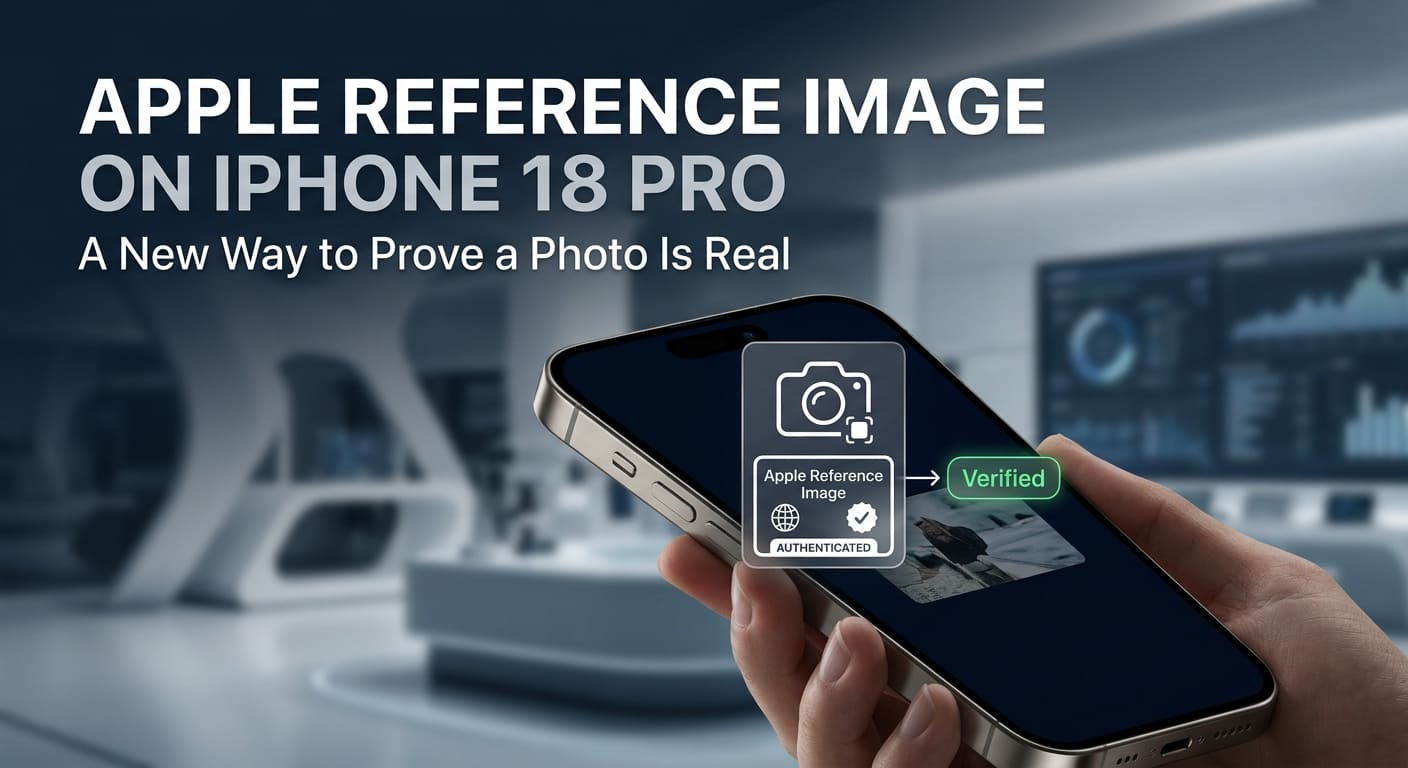
Fake images are everywhere now. Apple’s answer is a way to prove a real one is real.
At its Surprise and Shine event on Wednesday, Apple introduced a feature called Apple Reference Image. It runs on the new iPhone 18 Pro. The company says it can show whether a photo taken on that phone is authentic and untouched.
That matters more than it sounds. So let’s walk through it slowly. Here is what the feature does, how it works, and why photographers care. We will define the technical terms as we go, so you can follow along without a camera background.
What Apple Reference Image Actually Is
Start with the plain version. A reference image is a locked, original copy of your photo.
Think of it as a sealed master copy. The moment you take a shot, the phone saves a version that cannot be altered. Later, you can hold any edited copy up against that master and see if anything changed.
You do not need to understand the cryptography behind it to grasp the idea, in the same way you do not need to understand how a bank vault locks to know your valuables are safe inside. The phone creates the original. The original stays protected. That is the core of it.
Apple calls this a “digital negative.” Older film cameras produced a negative, the physical strip that proved what the camera actually captured. Any print could be checked against it. Apple Reference Image plays that same role for your iPhone photos.
Keep this straight: the reference image is your untouchable original. Everything else gets measured against it.
How the iPhone Creates a Protected Original
Here is the part under the hood. It happens in the background, without you doing a thing.
When you press the shutter, the main camera sensor does two jobs at once. It captures your photo. It also records what Apple calls signed sensor data. That signed data is a kind of tamper-proof stamp tied to the exact moment of capture.
That data then goes to Apple’s Private Cloud Compute. In plain terms, this is a secure processing service that handles sensitive tasks while keeping your information private. It takes the signed data and turns it into the unalterable image you can view in the Photos app.
Here is the sequence, in order:
- You take a photo on the iPhone 18 Pro.
- The sensor captures the image plus signed sensor data.
- Private Cloud Compute turns that data into a locked reference image.
- The reference image lands in your Photos app, ready to compare later.
The comparison is the payoff. Take any version of that photo and check it against the reference image. If someone cropped it, brightened it, or added something, the check reveals the difference.
Do this now: take one photo that you would want to prove is real. That mental example is exactly what this feature is built for.
Why Photojournalists and Photographers Care
Now the “why.” For most people, this is handy. For some, it is essential.
Apple called the feature “vital for photojournalists and photographers. “That word choice is deliberate. These are people whose work depends on being believed.
Consider a news photographer at a protest or a disaster scene. If someone claims the image was staged or doctored, the photographer needs proof. A reference image gives them a locked original to point to. It shifts the argument from “trust me” to “check the record.”
The same logic helps working photographers of all kinds. Wedding shooters, real estate photographers, and legal documentation all benefit from being able to show an image is unedited. When your reputation rides on honesty, a built-in proof of authenticity is worth a lot.
There is an honest limit here, though. The feature proves whether a photo matches its original. It does not judge whether the scene itself was arranged. A staged photo can still be a genuine, unaltered capture of that staging.
The takeaway for you: authenticity here means “not tampered with after capture.” It does not mean “the truth about what happened.” Know the difference.
Spotting AI-Made Images With SynthID
The reference image proves a photo is real. Apple is also tackling the opposite problem: spotting photos that are not.
The company said it will support a standard called SynthID. This is a system built to flag images that were created or changed using AI. It works like an invisible watermark baked into the picture.
Here is why that pairing makes sense. One tool confirms your genuine photo is untouched. The other helps you catch a fake made by a machine. Together, they attack the trust problem from both ends.
Keep expectations realistic, though. No detection standard catches everything, and AI tools keep changing. SynthID support is a strong step, not a perfect shield. Treat it as one useful signal among several, not a final verdict.
Do this to stay grounded: when a flagged image appears, use it as a reason to look closer, not as absolute proof either way.
When You Can Actually Use It
Time for the practical caveat. This feature is not fully open on day one.
At launch, reference images will only be viewable inside the Photos app. So the checking happens within Apple’s own software first. That is a limited starting point, and it is worth knowing before you expect it everywhere.
Apple is opening the door wider, though. The company is releasing APIs for developers. An API is simply a set of tools that lets one app plug into another app’s features. This means other apps can build reference image checking into their own software over time.
Picture how that plays out. A news platform, an editing app, or a verification service could add the ability to check a reference image directly. The feature spreads beyond Photos as developers adopt it.
Keep this straight: for now, checking lives in the Photos app. Wider support depends on other developers adding it later.
The Bigger Camera Story
The reference image grabbed attention, but it is one piece of a larger camera update. Apple called the iPhone 18 Pro its biggest camera improvement in years.
The headline hardware change is something photographers will notice right away. It sits on the new 48-megapixel fusion main camera. That camera now has a variable aperture.
Let’s unpack that term next, because it is the upgrade that changes how your photos actually look.
What a Variable Aperture Does for You
Start with the basic idea. The aperture is the opening that controls how much light enters the lens.
Think of it like the pupil in your eye. In bright sun, your pupil shrinks. In a dark room, it widens to let more light in. A variable aperture lets your camera lens do the same thing on demand.
A fixed aperture stays one size no matter what. A variable aperture adjusts. That gives you more control over the light hitting the sensor and more say over how the final image looks.
Here is where you feel the difference most:
- In bright light, a smaller opening keeps detail sharp and avoids blowouts.
- In dark settings, a wider opening pulls in more light for a cleaner shot.
- At night, that extra light means less grain and more usable photos.
Night and low-light photography is the clearest winner. If you have ever tried to shoot a dim restaurant or a city street after dark, you know the struggle. A wider aperture in those moments is a real, visible improvement.
Try it now: think of the last photo you took in low light that came out muddy. That is exactly the shot a variable aperture aims to fix.
The Tiny Machinery Behind the Lens
The engineering to pull this off is genuinely small and precise. It helps to see what Apple built.
To make the aperture move, the company designed a mechanism of six laser-cut blades. Each blade is thinner than a human hair. They are made from a specialized polymer composite, a lightweight engineered material chosen for strength at that tiny scale.
Those blades need to move smoothly and exactly. So Apple added a new rotor mechanism to control their movement, paired with a custom-designed lens built for the system.
You do not need to memorize any of this to benefit from it, in the same way you do not need to understand a watch’s gears to read the time. The point is simple: real hardware, not just software, is doing the work. That tends to hold up better over time than a software-only trick.
One thing to remember: the light control here is physical. Six moving blades open and close, just like a real camera lens.
What This Means Together
Step back, and the two big features share a theme. Both are about trust and control.
Apple Reference Image is about trusting the photo after you take it. The variable aperture is about controlling the photo as you take it. One protects the image. The other improves it.
Be realistic about the limits, though. Reference Image only checks against the original, not the truth of the scene. SynthID support is helpful but not foolproof. And the checking starts inside the Photos app before spreading elsewhere. These are strong first steps, not finished systems.
The honest read is this. Apple is betting that people want proof their photos are real, and better tools to capture them. Whether that proof becomes a standard depends on how widely developers and platforms adopt it.
Pick one thing to do: the next time you see a striking photo online, ask whether it can be checked against an original. That habit matters more now than ever.
Frequently Asked Questions
1. What is the Apple Reference Image?
Apple Reference Image is a new iPhone 18 Pro feature that creates a locked, unalterable copy of a photo when you take it. Apple calls it a “digital negative.” You can compare edited versions against this original to see whether anything was changed, which helps prove a photo’s authenticity.
2. How does the iPhone 18 Pro prove a photo is authentic?
When you take a photo, the main camera sensor captures the image plus signed sensor data. Apple’s Private Cloud Compute service turns that data into an unalterable reference image, viewable in the Photos app. Comparing other versions against it reveals any changes made after capture.
3. What is SynthID, and why is Apple supporting it?
SynthID is a standard designed to flag images created or altered using AI, working like an invisible watermark. Apple is supporting it to help people spot AI-made or AI-edited images. It is a useful signal, not a perfect guarantee, since AI tools keep changing.
4. What is the variable aperture on the 48MP Fusion main camera?
The aperture controls how much light enters the lens. A variable aperture can adjust its size, letting in more or less light as needed. Apple built this with six laser-cut blades thinner than a human hair, a polymer composite, a new rotor mechanism, and a custom lens. It especially helps with low-light and night photography.
5. Can I use the Apple Reference Image in any app right now?
Not yet. At launch, reference images are only viewable in the Photos app. Apple is releasing APIs so developers can add the feature to their own apps over time, which will expand where you can check a photo’s authenticity.