


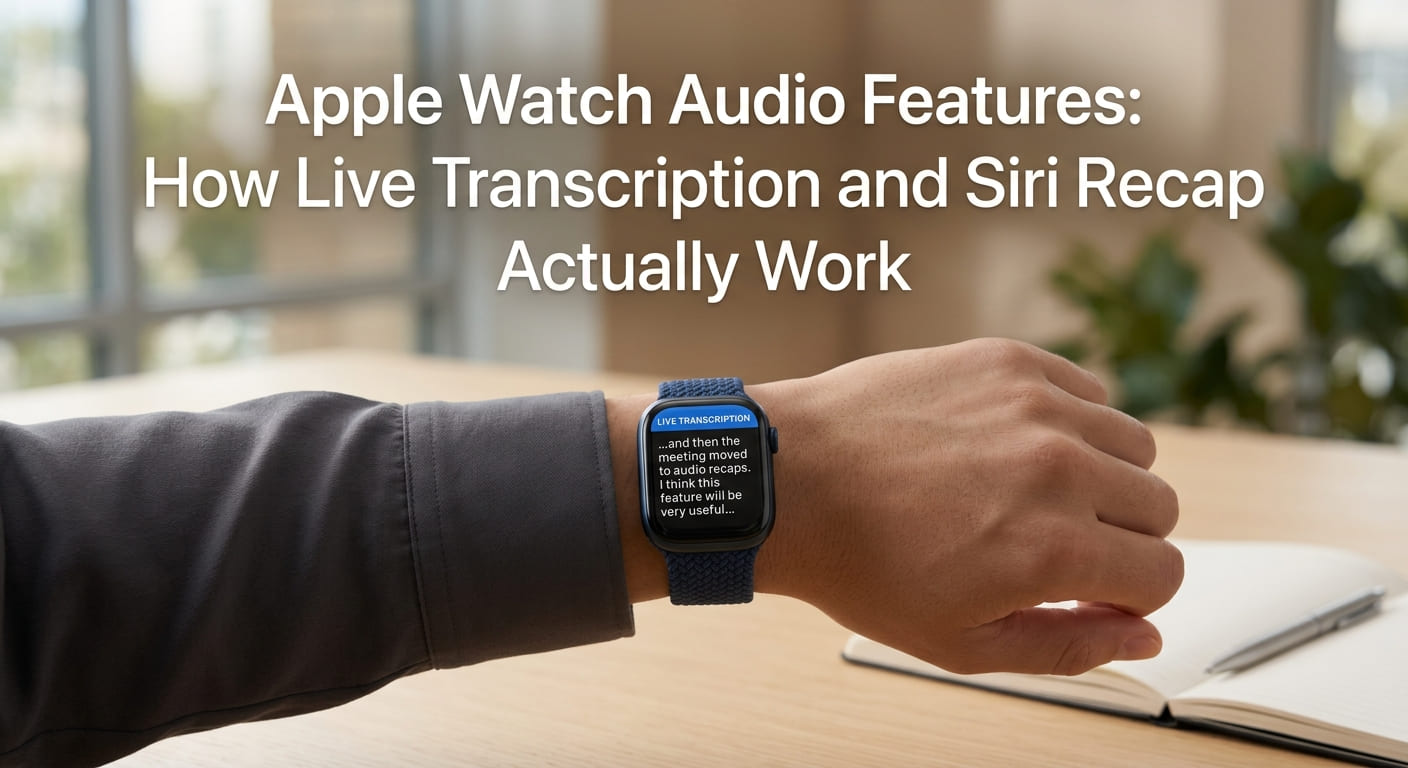
Your watch can now hear you. That is the real story from Apple’s latest event.
At the Surprise and Shine event on Wednesday, most people expected the foldable iPhone to steal the show. Instead, a quieter change drew the most attention. Apple’s newest watches can process live audio and turn spoken words into text or notes.
That is a big shift for a company that has long sold itself on privacy. So let’s walk through it slowly. Here is what each feature does, how you turn it on, and where the honest concerns sit. We will define the tricky terms as we go, so you can decide for yourself.
Three Features, Not One
Start with the plain version. Apple did not add a single listening feature. It added three, and they work in different ways.
You do not need to understand how the software processes sound to grasp what it does, in the same way you do not need to understand how a voicemail transcript gets made to read one. The watch hears audio. Software turns parts of it into text or alerts.
Here are the three, in order:
- Audio Intelligence, which warns you about important sounds.
- Live Rewind, which transcribes the last few seconds of speech.
- Siri Recap, which summarizes a whole conversation into notes.
Each one sits in a different spot on the comfort scale. One is easy to welcome. Two raise harder questions.
Keep this straight: Apple Watch live audio transcription is not one tool. It is a small family of features, each with its own on switch.
Audio Intelligence: The Easy One to Like
Let’s begin with the feature almost nobody will object to.
Apple Watch Audio Intelligence listens for specific sounds and taps your wrist when it hears them. That includes sirens, alarms, doorbells, and babies crying. It runs on on-device AI, which means the watch does the processing itself instead of sending your audio to a distant server.
This one was built with accessibility in mind. For someone who is deaf or hard of hearing, a watch that alerts you when a smoke alarm sounds is more than handy. In some cases, it could save a life.
Here is the part that makes it stand out. It works even when your iPhone is not nearby. So a fire alarm or a carbon-monoxide detector can still reach you through the watch alone.
This is assistive technology at its clearest. It solves a real problem, and it does not save or store your conversations.
Try it now: picture the sounds in your home you would want a wrist tap for. That short list shows you why this feature is easy to accept.
Live Rewind: Catching the Last 15 Seconds
Now things get more complicated. Meet Apple Watch Live Rewind.
Live Rewind lets you go back 15 seconds and transcribe what was just said. You double-press the Digital Crown, the round button on the side of the watch, and the last few seconds of speech become text.
That text can then be saved to Apple’s new stand-alone Siri app, so you can look at it again later.
Apple frames this as a memory helper. It suggests using it to catch a book recommendation, a colleague’s good idea, or a detail you simply missed the first time. Those are all fair uses.
But look at the other side. The same button that saves a book title can also capture something a person never meant to have written down. That is where the unease starts.
Keep this straight: Live Rewind records nothing until you press the crown. Once you do, spoken words become a saved note.
Siri Recap: Notes From Whole Conversations
The third feature goes further. Apple Watch Siri Recap uses ambient listening to summarize what it hears.
Apple Watch ambient listening means the feature listens to the sound around you while it is switched on. From that, it builds high-level notes rather than word-for-word text. Each note gets an automatic title, a short summary, and a list of key points.
You review these in the Siri app on your iPhone. Apple suggests it for meeting takeaways or the details from a parent-teacher conference.
Here is the important limit. Siri Recap does not produce exact transcripts. It gives you the gist, not every sentence. That is a real difference from a straight recording.
The takeaway for you: Live Rewind grabs short, exact snippets. Siri Recap captures the shape of a longer talk. Know which one you are running.
The Privacy Safeguards Apple Built In
Apple knows these Apple AI listening features touch a nerve. So it added guardrails, and they are worth listing plainly.
Here is what Apple says it does to protect you:
- It does not create or store audio recordings.
- The raw audio stays off-limits, even to Apple.
- It does not identify or