


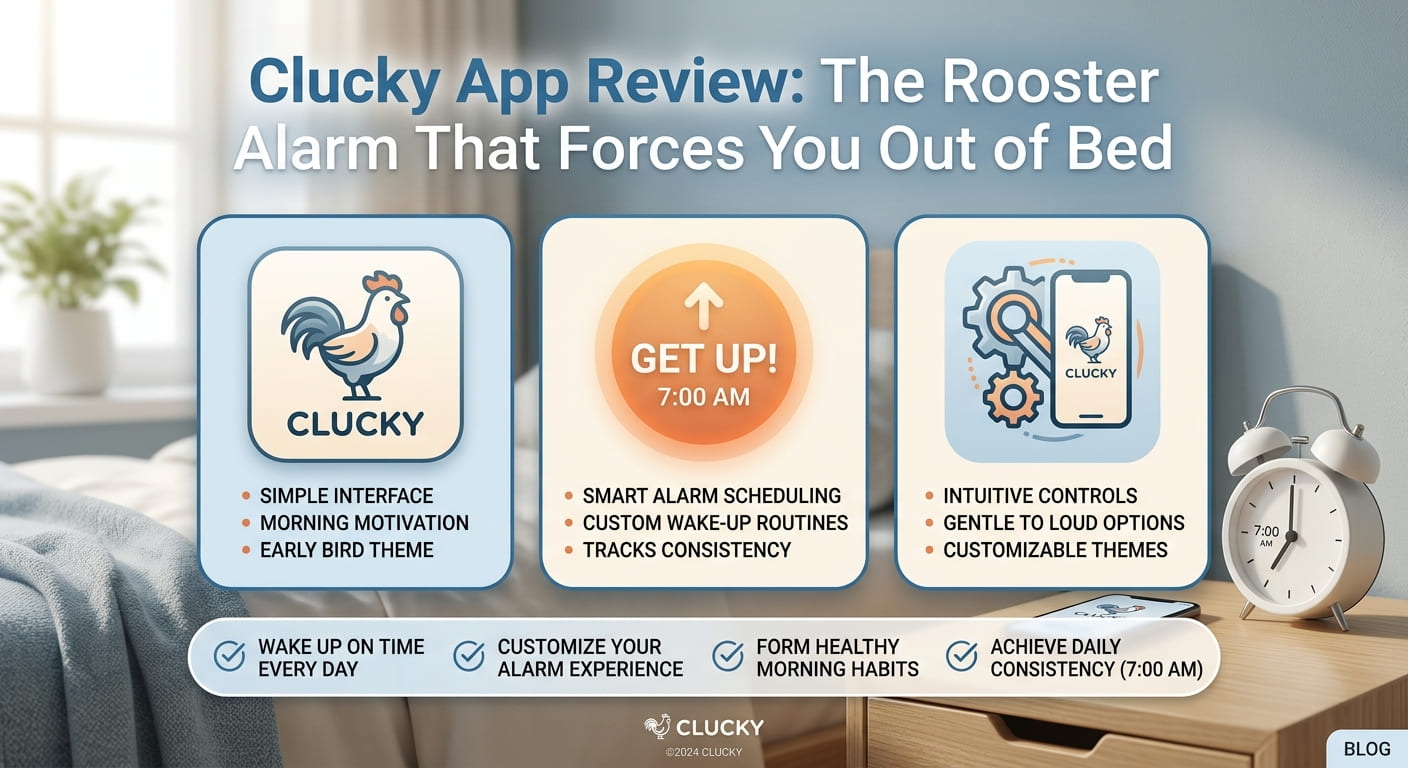
There’s a new alarm app on the iPhone, and it is not gentle. Clucky is built for one type of person: the habitual snoozer who taps “dismiss” and drifts right back to sleep. Its most talked-about feature is a rooster that crows to wake you. But the crowing is just the start. Before the noise stops, Clucky makes you complete a task. No task, no silence.
That is the whole idea. The app turns turning off your alarm into a small chore. Annoying enough that going back to bed stops feeling like an option.
Clucky is available now on the App Store. Here’s how it works, what you get for free, and where the $39.99-a-year subscription comes in.
The Rooster Is Optional, but It Sets the Tone
Let’s start with the sound everyone is talking about. Clucky can wake you with a rooster crow. It is loud, it is sudden, and it is hard to sleep through. If you have never been startled awake by a farm animal, the app delivers the experience straight to your phone.
You do not have to use the rooster. The app knows not everyone wants barnyard noise at 6 a.m. So it offers calmer choices too:
- Gentle chimes for a softer start.
- Peaceful bird sounds for something natural but low-key.
- The classic digital beep, if you want the familiar.
There’s also an “Extra Loud Mode.” Turn it on, and the volume jumps the moment the alarm fires. This is for people who sleep through anything. Think of it as the app’s way of removing your last excuse.
Pick your sound based on how deep you sleep. If a soft chime already gets you up, use it. If nothing short of chaos works, the rooster and Extra Loud Mode are waiting.
Why You Have to Earn the Silence
Here is the core mechanic. A normal alarm stops when you tap a button. Clucky does not. It keeps ringing until you finish a “wake-up mission.”
The reason is simple. Tapping a button takes half a second and no thought. You can do it half-asleep and never truly wake up. A mission forces your brain to switch on. By the time you finish, you are awake enough that crawling back into bed feels like effort.
That’s the strategy behind the whole app. Make dismissing the alarm just enough of a hassle that staying up wins by default.
The Wake-Up Missions, Explained
Clucky gives you a range of tasks to choose from. Some test your brain. Some make your body move. You pick which ones you want, and the alarm won’t quit until the mission is done.
Here’s the full lineup:
- Solve math problems. The app throws equations at you, and you type the answers. Nothing wakes a foggy brain faster than being forced to do arithmetic.
- Memory tile challenge. Clucky shows you a pattern of tiles, and then you tap them back in the correct order. Get it wrong, and the noise keeps going.
- Typing challenge. The app displays a phrase, and you type exactly what it says. Simple, but hard to fake while half-asleep.
- Shake phone challenge. You shake your phone until you hit the target. It’s physical, so lying still isn’t an option.
- Walking challenge. The app makes you get up and take steps. Once your feet hit the floor, the fight is mostly won.
- Push-up challenge. For the ambitious, Clucky counts push-ups before it stops. Your heart rate does the rest.
- AI camera challenge. You point your camera at something the app asks you to find, and it uses AI to confirm you did it. This one gets you out of bed and moving through the room.
Mix and match based on what actually wakes you. If math clears your head, start there. If you sleep like a rock, stack a physical task like walking or push-ups on top.
Clucky Grades Your Mornings
Waking up is one thing. Clucky also tracks how well you do it.
The app keeps a detailed stats section. It records three things:
- The average number of seconds your alarm rings before you finish a mission.
- How many missions you’ve completed overall.
- Your total number of wake-ups.
Those numbers tell a story. If your average ring time keeps dropping, you’re waking faster. If it climbs, you’re struggling more. Either way, you have real data instead of a vague sense of “I’m not a morning person.”
On top of the stats, there’s a “Rooster Report.” It grades your wake-up performance for the week, like a report card for getting out of bed. A rough week shows up clearly, and a good one gives you something to build on.
Check your Rooster Report each week. Use the average ring time as your one number to beat.
Wake Up Together With a Nest or a Flock
Clucky also has a social side. You can create a private alarm group with friends or family. The app calls these groups a “nest” or a “flock.”
The point is accountability. Everyone in the group wakes at the same time and can see whether the others followed through. It’s harder to skip your alarm when someone you know is watching the same clock.
This is not a public feed. These are private groups, meant for people you actually know. A roommate, a partner, a study buddy, a sibling in another city.
If you already struggle alone, this is the feature to try. Invite one person you trust to keep you honest.
How Clucky Fits Into a Growing Category
Clucky did not invent the “make you work to wake up” alarm. It joins apps like Alarmy and Awake, which have used challenges for the same reason: to stop people from silencing an alarm on autopilot.
So what makes Clucky stand out? Mostly personality. The rooster, the “Rooster Report,” the Nest and Flock naming — it leans into a theme and has fun with it. The underlying method is familiar, but the packaging is lighter and more playful than the competition.
That said, the results depend on you. An app can make dismissing an alarm harder. It cannot force you to keep it installed. Plenty of people delete these apps the moment the novelty wears off. Clucky is a tool, not a cure for being tired.
If you’ve tried Alarmy or Awake and bounced off them, Clucky’s tone might click better. But go in knowing the core idea is the same.
Who Built Clucky
Clucky was founded by Adrian Angelo Abelarde, a former software engineer at Fanatics, the sports merchandise and collectibles company. Building an alarm app is a clear step away from that world, but the engineering background shows in how many mission types and tracking features the app packs in.
Abelarde did not immediately respond to a request for comment, so details about the company’s plans beyond the current release aren’t confirmed. What we know is what’s live in the app today.
What It Costs
Clucky is free to download from the App Store, so you can try the basics without paying. There’s also a pro subscription priced at $39.99 per year.
The listing doesn’t spell out every difference between the free and paid tiers, so treat the subscription as the upgrade path rather than a requirement. Start with the free version first.
Here’s a simple way to decide:
- Download the free app and use it for a full week.
- Check your Rooster Report and average ring time.
- If it’s genuinely helping and you want more, then weigh the $39.99-a-year cost.
Don’t pay for a habit you haven’t proven you’ll keep. A week of real use tells you more than any feature list.
Why This App Matters
Clucky is a small app with a clear job: get chronic snoozers out of bed. It does that by refusing to go quiet until you prove you’re awake, whether that means solving math, shaking your phone, or doing push-ups on the floor.
The bigger takeaway is about how these apps work. Waking up is less about the sound and more about the effort required to stop it. Clucky raises that effort on purpose, adds tracking so you can see progress, and wraps it in a rooster theme that keeps it from feeling like punishment.
It will not fix a bad sleep schedule or turn a night owl into an early riser overnight. That part is still on you. But if your problem is the snooze button specifically, this is a direct attempt to break that one habit.
Download it, set one alarm with one mission tonight, and see how tomorrow goes.
FAQs
1. What is the Clucky app?
Clucky is a new iPhone alarm app made for habitual snoozers. It can wake you with a rooster crow and keep ringing until you complete a wake-up mission, such as solving math or doing push-ups.
2. What wake-up missions does Clucky offer?
Clucky includes several tasks: solving math problems, a memory tile challenge, a typing challenge, a shake phone challenge, a walking challenge, a push-up challenge, and an AI camera challenge.
3. How much does Clucky cost?
The app is free to download from the App Store. There’s also a pro subscription priced at $39.99 per year.
4. What are Nest and Flock in the Clucky app?
Nest and Flock are private alarm groups you can create with friends or family. Everyone in the group wakes at the same time and can keep each other accountable, which makes skipping your alarm harder.
5. How is Clucky different from Alarmy or Awake?
Clucky uses the same core idea as Alarmy and Awake: make dismissing your alarm harder so you actually wake up.