


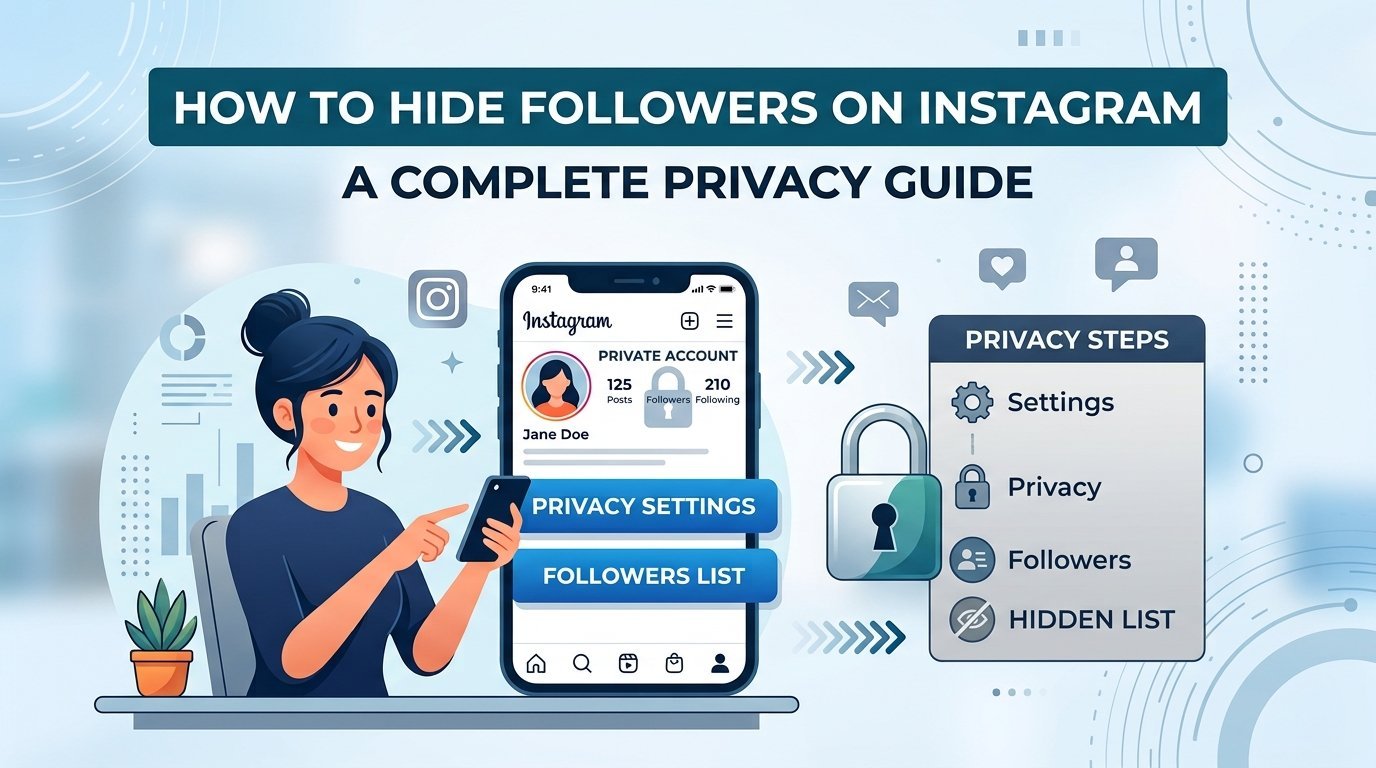
Your number of followers is a story you may not want everyone to read. Or you’re sick of co-workers peeping on who you follow. Perhaps an ex is stalking your friends, or perhaps you like your privacy and don’t want to announce to the world who you know. And whatever your reason, wanting to keep this information private is perfectly normal.
The tricky part? Instagram doesn’t hand you a single magic button that hides everything at once. But there are real, workable ways to protect this information, and I’ll walk you through every option. By the end of this guide, you’ll know exactly how to hide followers on Instagram, how to shield your following list, and which method fits your situation best.
Let’s get into it.
Why Do People Want to Conceal Their Followers and Following?
Before we get into the steps, it helps to understand why this is so important to people.
Some folks run personal accounts and don’t want strangers analysing their social web. Others manage sensitive situations — think going through a breakup, dealing with online harassment, or simply keeping work and personal life separate. Learning how to hide followers from friends on Instagram gives you back a sense of control.
I’ve talked with plenty of people who felt uneasy knowing anyone could see their entire network. That feeling is valid. Your connections are your business, and there’s nothing wrong with wanting to keep them close to the chest.
The Truth About Hiding Followers on a Public Account
Here’s something you need to know upfront: on a public account, you cannot fully hide your follower or following lists from other users. Anyone can tap your profile and browse both lists freely.
That’s just how public profiles work by design. So if privacy is your goal, the single most powerful move is switching to a private account. Once you do, only approved followers can see your lists — everyone else hits a wall.
Let me show you how that works.
How to Hide Your Followers on Instagram by Going Private
The most reliable answer to the question of how to hide followers on Instagram is to switch to a private account. If your account is private, only people you approve to follow you will be able to see your posts, and your follower and following lists, including how many people follow you.
Here’s how to switch:
Open the Instagram app and tap your profile picture in the bottom right corner. Tap the menu icon (three horizontal lines) in the top-right.
- Select Settings and privacy.
- Tap Account privacy.
- Toggle on private account.
- Confirm your choice when the pop-up appears.
That’s it. From this point on, anyone who wants to see your content — or your connections — has to send a follow request that you approve.
What Going Private Actually Hides
Once your account is private, here’s what non-approved users can no longer see:
- Your full list of followers
- Your complete following list
- Your posts, reels, and stories
- Your tagged photos
This is the cleanest method for anyone searching how to hide your followers on Instagram from the general public. It won’t hide anything from people you’ve already approved, though — which brings us to the next section.
How to Hide Followers From Friends on Instagram
This is where things get more nuanced. Going private stops strangers, but what about people who already follow you? If you want to hide followers and following on Instagram from friends specifically, then you will need a different approach.
Instagram doesn’t let you selectively hide your lists from approved followers. Once someone follows your private account, they can see your connections. So you have a few practical options:
Option 1: Remove Followers You’d Rather Not Share With
You can quietly remove specific followers without blocking them. They won’t get a notification.
- Go to your profile and tap Followers.
- Find the person you want to remove.
- Tap Remove next to their name.
- Confirm.
If you do that you will not be able to see your followers and following list for your private account unless he / she again sends you a follow request .
Option 2: Use “Close Friends” and Restrict Features
The Restrict feature is useful if you want to remain in touch but restrict what certain people can see of your activity. It won’t hide your followers list, but it will limit their ability to interact with you and see your presence.
To restrict someone:
- Visit their profile.
- Tap the three dots in the top-right.
- Select Restrict.
Option 3: Block When Necessary
Blocking is the strongest tool. When you block someone, they lose all access to your profile — including any ability to see who follows you on Instagram or who you follow. This is worth considering if a specific person is the reason you want privacy in the first place.
How to Hide Your Following List on Instagram
Plenty of people care less about their followers and more about who they follow. If your main concern is how to hide your following list on Instagram, the same private-account rule applies.
On a public profile, your following list stays visible to everyone. Switch to private, and that list becomes hidden from non-followers instantly. There’s no separate toggle just for the following list — it’s bundled into your account privacy settings.
If you follow accounts you’d rather keep discreet even from approved followers, your best bet is to unfollow them or move them to a secondary account. It’s not glamorous, but it’s honest about what the platform allows.
How to Hide Who Follows You on Instagram Without Going Private
I get this question a lot: is there any way to hide my Instagram followers while staying public? The short answer is no — not completely. Instagram ties list visibility directly to account privacy.
That said, here are a few workarounds that reduce exposure:
- Trim your follower list regularly. Remove followers you don’t want browsing your connections.
- Create a separate account. Some people keep a public “highlights” account and a private personal one. This lets you share broadly while keeping your real network locked down.
- Report and block fake/spam accounts. This makes your follower list cleaner and more intentional to those who can see it.
These steps won’t fully hide your followers in Instagram on a public profile, but they help you manage who sees what.
Common Mistakes to Avoid
When people try to figure out how to hide my followers on Instagram, they often trip over the same issues. Watch out for these:
- Expecting a public account to hide lists. It won’t. Privacy requires going private.
- Third-party apps that claim to hide your followers. Many scams exist that steal your login details. Use the tools built into Instagram.
- Forgetting that approved followers see everything. Going private only stops non-followers.
- Assuming removing a follower notifies them. It doesn’t — the removal happens silently.
- Avoiding these mistakes will save you frustration and keep your account secure.
- To help you navigate the numerous choices for privacy, here’s a quick recap.
Let’s do a quick recap of all we discussed:
- Make your followers and following private — the most thorough way to keep your followers and following hidden from strangers.
- Remove specific followers — quietly restricts visibility of your lists to certain followers.
- Restrict or block — monitors and regulates individual users when necessary.
- Use a second account – Separate your public account from your private network.
- Restrict or block — controls individual users when needed.
- Use a second account — it separates your public presence from your private network.
- Skip third-party apps — they don’t work and put your account at risk.
Final Thoughts
Protecting your privacy on Instagram comes down to one main decision: whether to go private. That single switch is the backbone of how to hide your IG followers, your following list, and your connections from people who don’t need to see them.
The best protection is to switch to a private account now. Then, you can remove people you don’t want to share your network with, and you can block or restrict users that pose a concern. In a few steps you’re right back under your control, who will see your world.
Your social circle is yours to share — or keep private. Now you know exactly how to make that choice on your own terms.